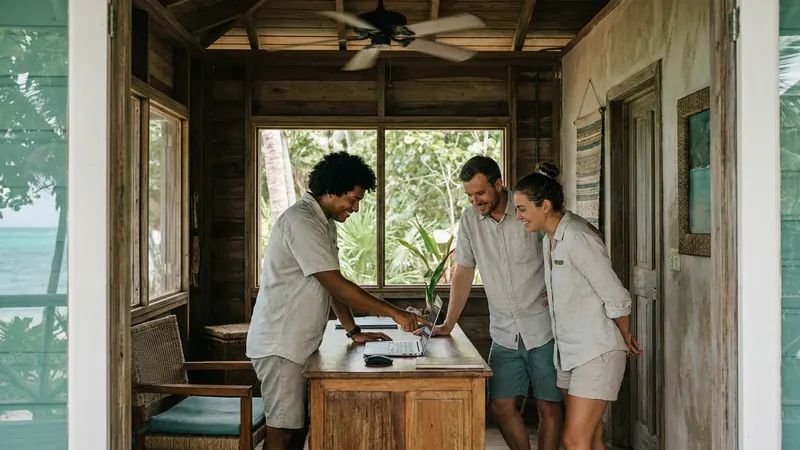
Admin, help & guided tour
How to give a night porter, a marketing helper and a manager the right access in your booking admin, using preset roles or a custom tick-box role.
Mark Noble, Direct Belize · 23 October 2026 · 6 min read
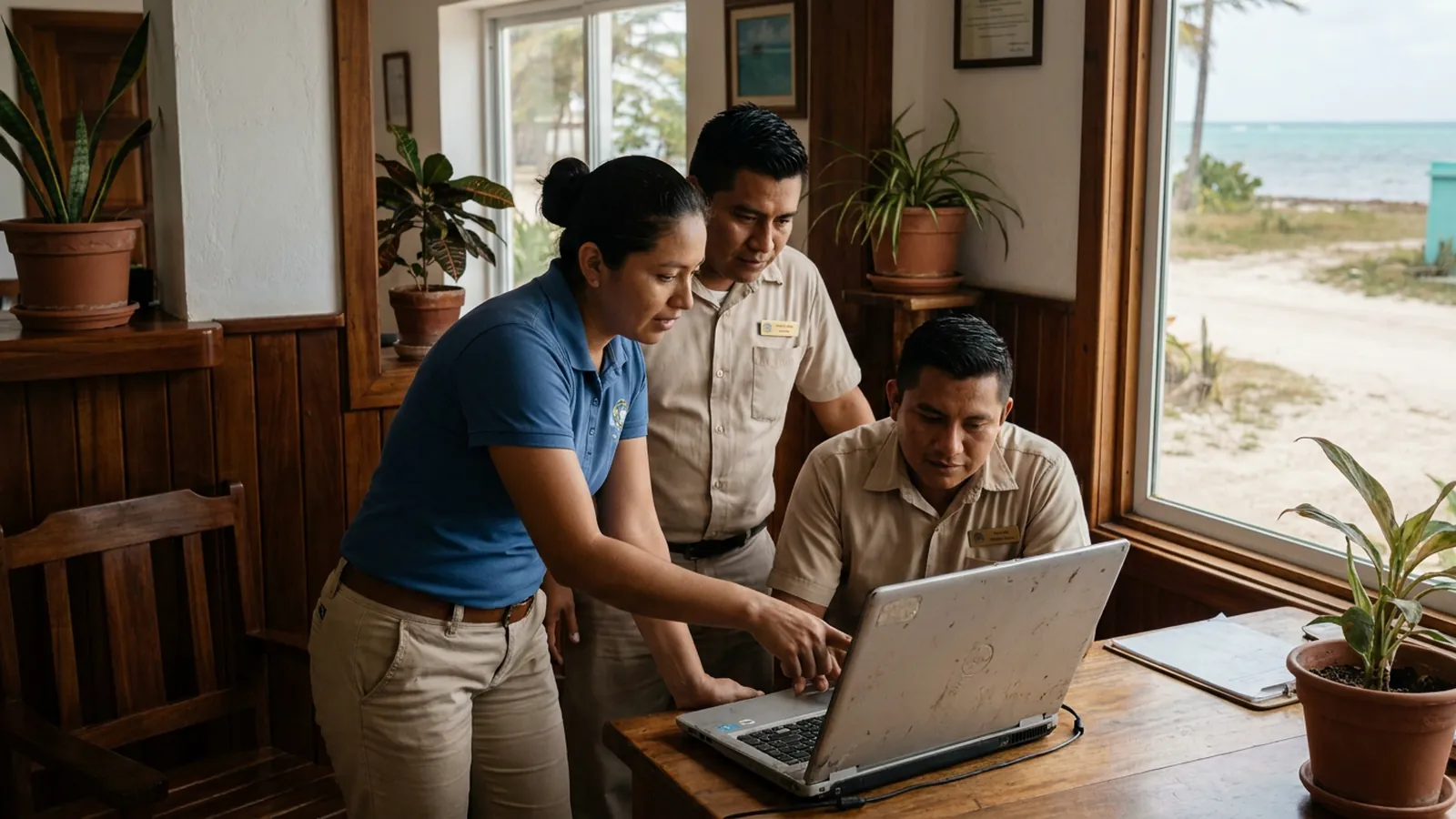
In a two-person guesthouse, permissions are not a question anybody asks. You and your partner both answer the phone, both take the booking, both strip the beds if the girl who helps is away that week. One login between you, or two logins that can both do everything. That is fine, and nothing here says you should change it.
The question arrives later. It usually arrives on the day you hire somebody who is not family.
The day one login stops being enough
Picture a fifteen-room hotel in San Ignacio. There is a night porter who comes on at six. He needs to see who is arriving tomorrow, who has already checked in, which room the late arrival from Belmopan is in. He does not need to touch rates, and if a guest rings at eleven at night asking to cancel, you would rather he wrote it down and left it for the morning.
Then there is the young woman who does your social posts and your Google replies two afternoons a week. She needs the photos, the journal, the campaign drafts. She has no business inside a booking at all.
And there is you. You want one screen that tells you, without hunting, who can view, edit, create and delete in each part of the system.
Most accommodation in Belize is small and independently owned — guesthouses, lodges, bed and breakfasts, resorts under forty rooms, very often family-run. That size is exactly where permissions matter most, because there is no IT department to clean up afterwards and because the people involved are neighbours and cousins. Good permissions are not about distrust. They are about not asking someone to be careful around a button they never needed in the first place.
Four preset roles that cover most people
Direct Belize gives staff logins with a View / Edit / Create / Delete matrix for each area of the admin, and four preset roles to start from:
- Administrator — everything, including managing other staff.
- Front desk — bookings, the calendar, guest messages, the day-to-day running of arrivals and departures.
- Marketing — the journal, social planner, campaigns, the subscriber list and review replies.
- Read-only — can look, cannot change anything.
For a lot of properties, that is the whole conversation. The owner is an administrator. Two desk staff are front desk. The person who does the posts is marketing. The accountant who wants to see the revenue figures at month end is read-only.
Permissions are not a judgement about a person. They are a decision about which buttons need to be near which pair of hands.
When the presets do not quite fit
Our night porter is the obvious case. Front desk is close, but it is wider than he needs, and the point of giving him a login is so that he can look things up calmly without anyone worrying what else he might click.
So you build a custom role instead. You tick boxes against the matrix: view on bookings and the calendar, view on guest messages, nothing on rates, nothing on payments, no delete anywhere. Save it, call it "Night porter", and the next person you hire for that shift gets the same role in a few seconds rather than a fresh decision at eleven at night.
Three worked examples, from a property that size:
Marisol, front desk, five days a week. Preset front desk role. She can create and edit bookings, move a guest from one room to another, read and answer the messages that come in from Airbnb, Booking.com and Expedia inside the booking page, and mark a room clean once housekeeping reports it. She cannot delete a booking or change the rates. If a cancellation is genuinely needed, she asks you — and that one small friction has saved more than one property a room that was cancelled in error.
Dalton, night porter. Custom role, view-only across bookings, calendar and messages. He sees the arrivals list, sees the note that the Placencia transfer is running late, sees the room number. Nothing he does at two in the morning can change a price or remove a stay.
Keila, marketing, two afternoons. Preset marketing role. She drafts journal articles and social captions from the property's own photos, queues review requests, and prepares ad campaign drafts with a spend cap — all of which still wait for a person to approve before anything is published. She has no access to bookings, no access to payments, and she does not need to be told to stay out of them, because they are simply not on her screen.
Adding someone, and who is allowed to
When you create a login, the new person is emailed automatically with a sign-in link. They set their own password. On first sign-in they get a guided tour, and there is a help panel on every page plus a printable manual, which saves you standing over a shoulder explaining the same five things each time.
Only administrators can manage staff. That is deliberate. Front desk cannot quietly give themselves rate access; marketing cannot add a login for a friend. If you are the owner, you keep the keys, and the list of who holds what stays short enough to read in one go.
A few habits worth keeping:
- Keep administrators to two people, so there is always a second if one is on a boat to Caye Caulker with no signal.
- When somebody leaves, remove the login that week, not next month.
- Review the matrix after a busy season. Roles drift as people take on more.
- If two people need the same unusual mix, make a custom role rather than two one-off setups.
It is the same admin, whether you are two people or twenty-five
Plans run 1–6 rooms, 7–14 rooms and 15–25 rooms, with larger properties set up individually. The system underneath does not change between them. A guesthouse in Corozal with one login and a hotel in Hopkins with a front desk, three housekeepers and a marketing helper are running the same screens. What differs is how many logins are in use and what each one is allowed to touch.
That matters when you grow. You are not migrating to a bigger product the year you add rooms — you are ticking more boxes. You can see the staff and admin tools in detail, and the pricing by room count if you want to know where your property sits.
Start with the presets. Make a custom role the day a preset does not fit. And keep the staff list somewhere you will actually look at it twice a year.
Sources
- 1.Direct Belize — Features — the staff login matrix, preset and custom roles, and what each area of the admin covers.
- 2.Direct Belize — Pricing — plan bands by room count and how the same admin scales from a guesthouse to a 25-room hotel.
- 3.Belize Hub — Accommodation in Belize — background on the small, family-run character of most Belizean accommodation.