Admin, help & guided tour
How room types and sellable units work, why that count drives your calendar and the booking sites, and how to set it up once in the admin.
Mark Noble, Direct Belize · 12 September 2026 · 5 min read
Most overbooking has a boring cause. Not a failed sync, not a booking site behaving badly — just a count that was set up once, in a hurry, and never looked at again.
The count is this: for each room type you sell, how many of that room can be occupied on the same night. Everything else — your calendar, what Booking.com and Airbnb show, whether two guests arrive for the same cabana — follows from that one figure.
It is worth twenty minutes of your attention, and then it mostly looks after itself.
A type is what you sell, a unit is where they sleep
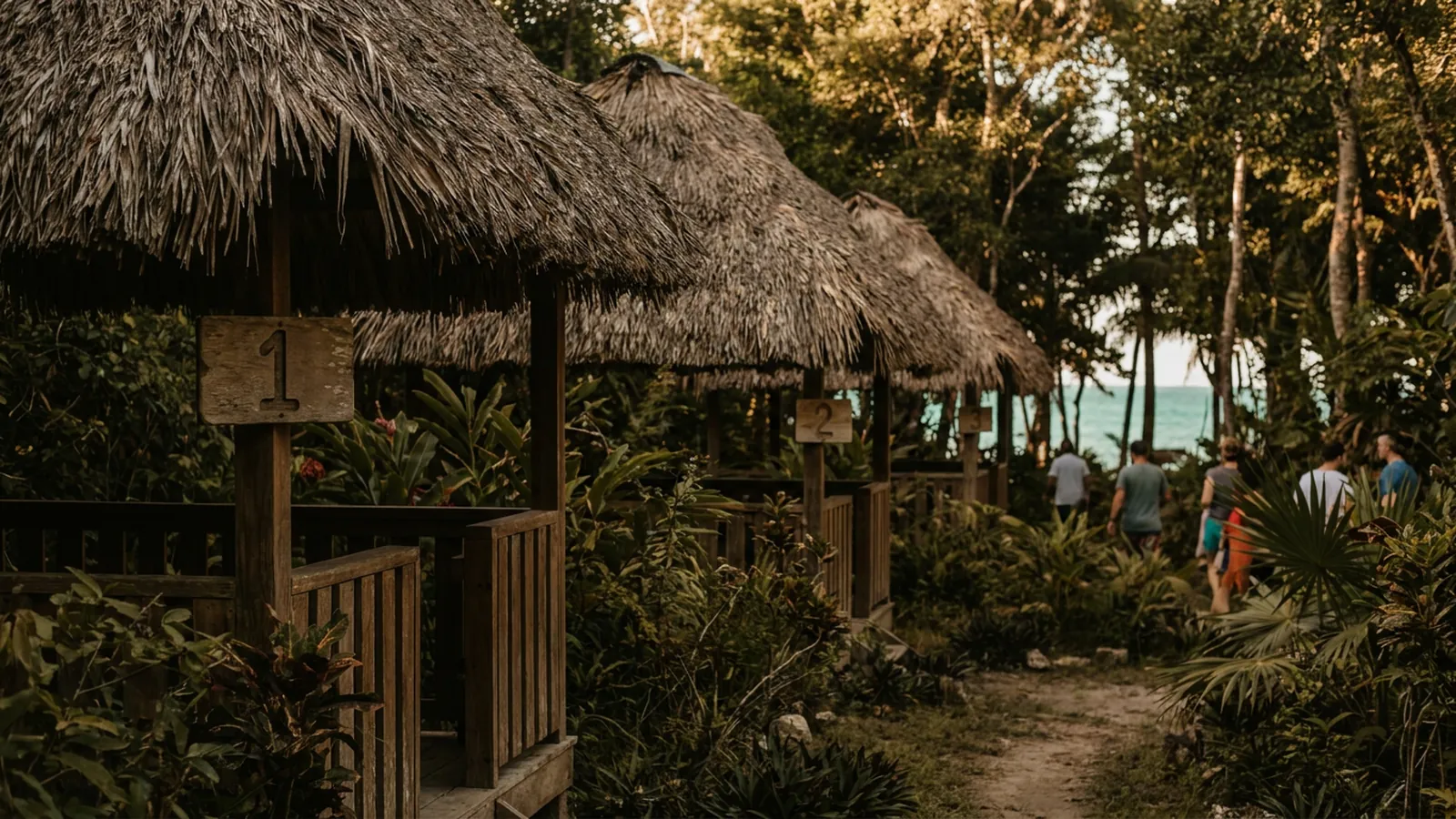
Take a lodge outside San Ignacio with three garden cabanas in a row. Same bed, same bathroom, same view of the same trees. A guest booking one of them does not care which one they get, and you do not want to force the choice.
That is one room type with three units.
The type is the thing in your price list and on your website: "Garden Cabana, queen bed, up to two guests, BZ$X per night". The unit is the physical cabana — number one, two or three — that housekeeping cleans and the night porter walks a guest to.
Now the same lodge has a larger family suite by the river. Only one of it. That is a second room type, with one unit.
The rule of thumb: if two rooms are close enough that you would happily send a guest to either without a conversation, they belong to the same type. If you would have to explain the difference — a hot tub, a sea view, an extra bed, a long walk uphill — they are probably separate types with their own price.
Owners in Placencia and Hopkins sometimes split types too finely, giving every room its own listing because each one is a little different. You end up with eight types of one unit each, eight sets of rates to maintain, and eight chances to make a mistake. The opposite error is worse: lumping two genuinely different rooms together, so a guest who paid for the sea view gets the one behind the kitchen.
What the booking sites are actually looking at
When your calendar talks to the booking sites, it is not sending them a floor plan. It is sending, for each type and each date, a number: how many are still available.
Three garden cabanas, none booked, and the sites see three. One sells on Booking.com and every connected channel drops to two. The third sells direct from your own site and everyone drops to zero. That is sync working as it should, and it is the reason properties using a channel manager report fewer double bookings than they had when they were copying dates between tabs each morning.
Which means a wrong count is wrong everywhere at once. Tell the system you have four garden cabanas when you have three, and the sites will cheerfully sell a fourth. Nobody catches it until two couples are standing at reception in San Pedro on a Saturday afternoon.
The booking sites do not know how many cabanas you own. They only know the number you give them.
The other direction is quieter and costs you money. Tell the system you have two when you have three, and the third sits empty all season while you wonder why occupancy looks soft.
When a unit goes out of order
A tree comes down on cabana two. The water heater in room four gives up. Your brother-in-law is staying in the end unit for a fortnight.
The instinct is to block the dates on the booking sites one by one. Don't. Mark the unit out of order in your own system for the dates concerned, and the available count for that type drops by one — on your website, on every connected site, for exactly those nights, and then back up again on its own.
A few things that help here:
- Put a reason and an expected return date on every out-of-order unit, even if the reason is "roof, waiting on parts".
- Check the list weekly. Units blocked in May and quietly fixed in June are the commonest cause of a slow season that isn't really slow.
- Keep owner and staff stays in the same place as maintenance blocks, so there is one list to look at rather than two.
- If a unit is out for a long stretch, say a full rebuild, it is still cleaner to block it than to reduce the type's count — because you will forget to put the count back.
Housekeeping status is a separate matter from availability. A cabana that is dirty is still sellable for tonight; it just needs cleaning first. Running housekeeping per room keeps that distinction clear, so "not clean yet" never silently turns into "not for sale".
Setting it up once, properly
In the admin you create each room type, then add its units underneath. Three cabanas become Cabana 1, 2 and 3 under one type. The suite is its own type with one unit. Name the units the way your staff already say them out loud — if everyone calls it "the end one", calling it Unit 7 in the system will only cause confusion on a busy check-in day.
Then check three things before you connect anything to the booking sites:
- Add up the units across all your types. Does the total match the number of keys on the board?
- For each type, would you be comfortable giving a guest any unit in it, sight unseen?
- Does each type's listing on every booking site match the count in the admin?
Once that agrees, the day-to-day work is small: block a unit when something breaks, unblock it when it is fixed, add a unit when you build one. The room and unit setup lives in the admin, alongside staff logins with view, edit and delete permissions per page — so the front desk can mark a room out of order without being able to change your rates.
Most properties get this done during setup, which is typically finished within a couple of weeks. If you are not sure how to split your rooms into types — the awkward case is usually the one room that is nearly the same as three others but not quite — send us your room list and we will go through it with you before anything goes live.
Sources
- 1.Direct Belize — Features — room and unit setup, calendar sync, housekeeping status and staff permissions.